A clearer view of your connection.
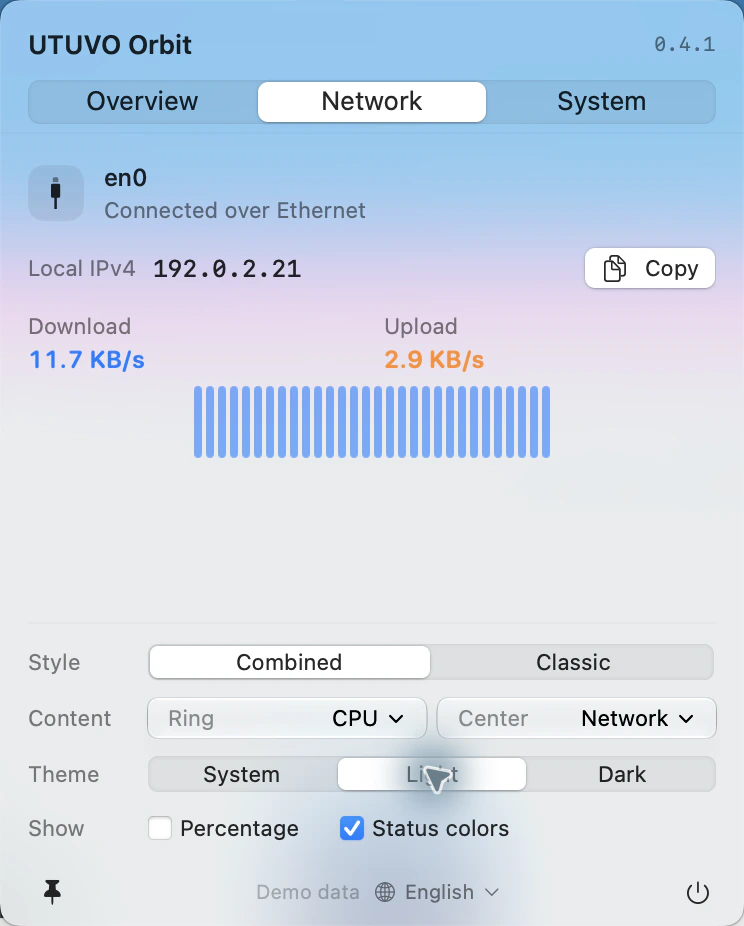
See the active interface, local IP, upload and download activity, and recent trends. These are interface readings, not speed-test results.
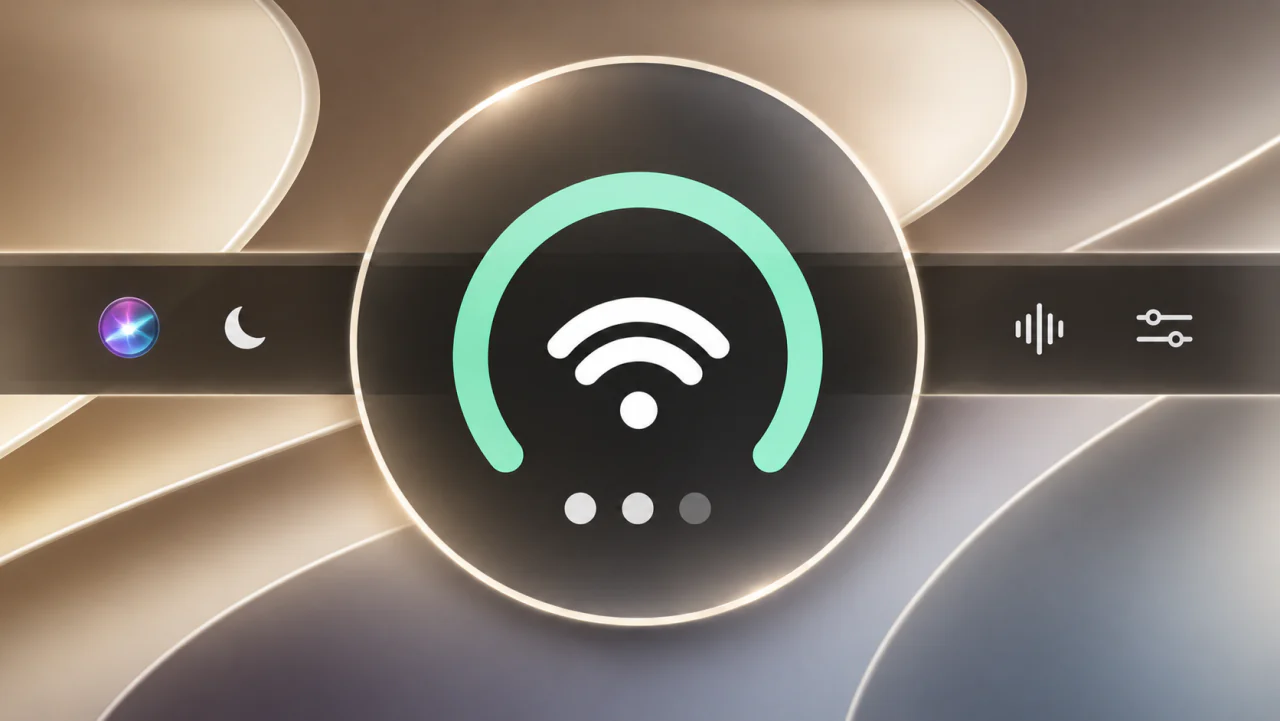
Power. Network. Audio.
One compact icon. Everyday controls, a click away.
0.4.2 · Apple Silicon · macOS 14+
Developer ID signed. Apple-notarized. Read the installation guide
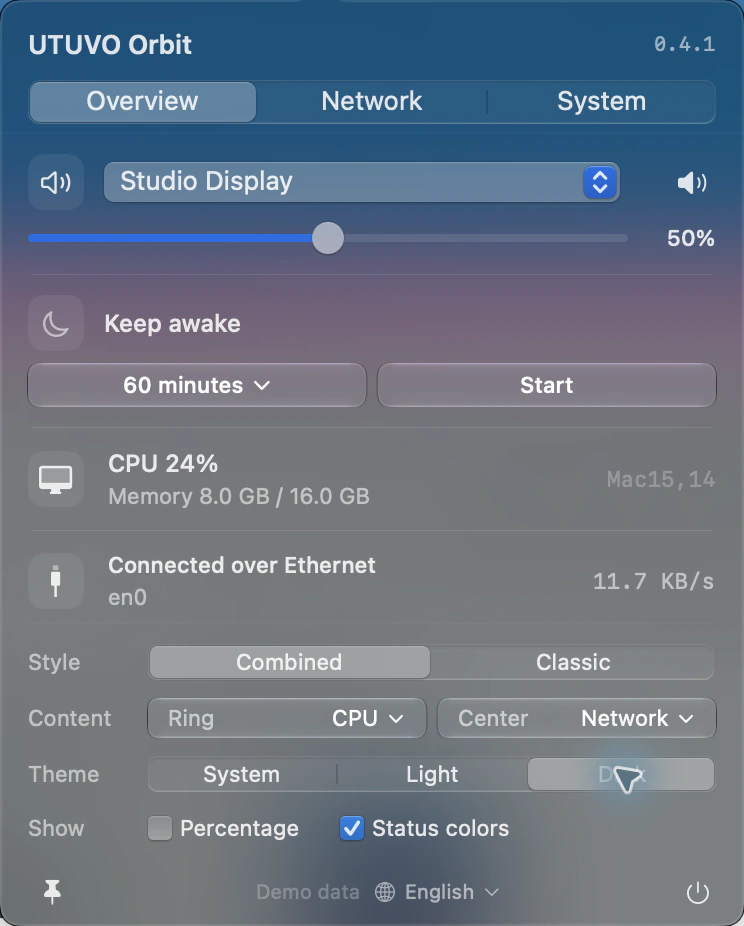
Battery on a MacBook. CPU on a desktop. Open Orbit to change volume, choose an output, keep your Mac awake or change its look. Display preferences stay right below your status details.
See the active interface, local IP, upload and download activity, and recent trends. These are interface readings, not speed-test results.
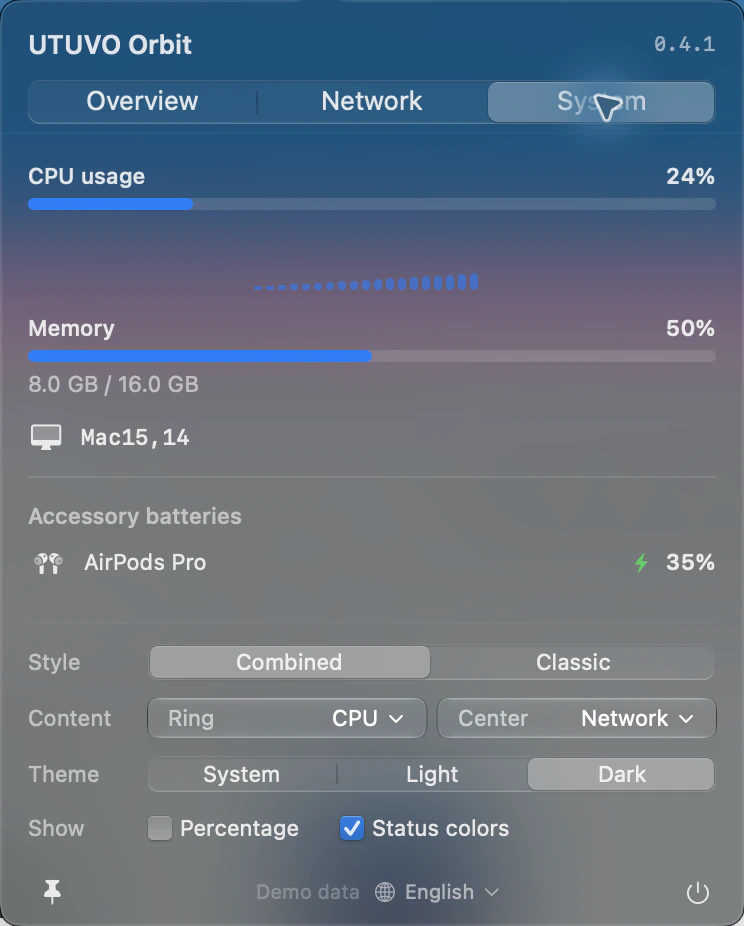
CPU, memory and accessory batteries at a glance. The charging symbol appears only when macOS explicitly reports charging. Unknown readings stay unknown.
Free to use. Yours to modify. A native Mac interface with no third-party runtime dependencies. Available in English and Traditional Chinese.
Make it better on GitHub ↗Liquid Glass requires macOS 26+. English + Traditional Chinese.